Owner & Founder
Date Published:
Welcome to the wild world of web design optimization, where we turn chaotic clicks into purposeful taps. Ever tried navigating a website that feels like it was built during the dial up era? Yeah, not a great time. The truth is that today’s users demand speed, simplicity, and an experience that doesn’t make them feel like they’re trying to defuse a bomb every time they want to click a link. Enter web design optimization, a fancy way of saying, “Let’s not make this harder than it needs to be.”
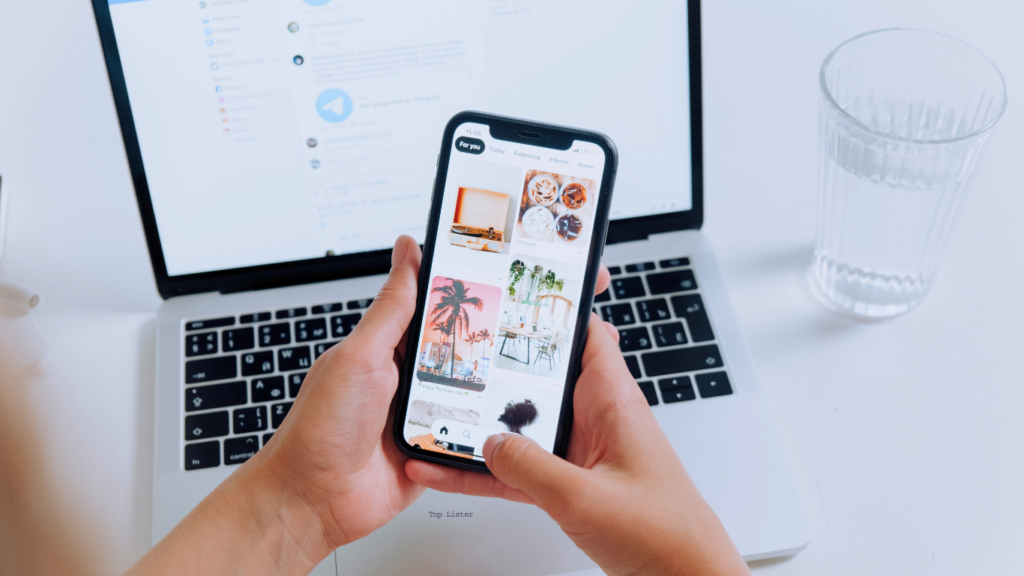
Now, here’s the kicker: mobile users are everywhere. They’re scrolling, tapping, swiping, and occasionally rage quitting when your website isn’t optimized. That’s why making your website a dream to navigate is no longer optional; it’s survival. Think intuitive layouts, buttons that don’t require a surgeon’s precision, and navigation menus that don’t feel like a scavenger hunt. Oh, and don’t forget aesthetics, because no one’s sticking around on a website that looks like it was designed on a potato.
So, if your site’s current vibe is more “confusing maze” than “smooth sailing,” you’re in the right place. Web design optimization is about making life easier for your users, one thumb friendly tap at a time. The question isn’t whether your website should evolve; it’s whether you’re ready to stop torturing your visitors with tiny fonts and impossible to find buttons.
Let’s face it, our thumbs are doing the heavy lifting when it comes to navigating websites on mobile. They deserve a little respect, don’t you think? That’s where thumb friendly design swoops in like the hero we didn’t know we needed. It’s all about creating a layout where users can tap, swipe, and scroll without pulling a muscle.
First off, buttons. If your site’s buttons are microscopic, you’re basically begging users to mis click. Bigger is better here, tap targets that even a toddler could hit are the way to go. And don’t get me started on spacing. Cramming buttons together is like seating strangers too close at a dinner party, it’s awkward, and someone’s bound to make a mistake.
Then there’s the matter of where to put things. Spoiler alert: the bottom of the screen is prime real estate. Bottom anchored menus are like the VIP section for thumbs, everything important is right there, easy to reach. No need for users to play finger Twister just to navigate your site.
Oh, and while we’re at it, ditch the tiny fonts. Nobody’s trying to squint their way through your content like they’re deciphering ancient hieroglyphics. Keep text sizes readable and buttons tappable, and suddenly your site feels like it’s working with users instead of against them.
In short, thumb friendly design isn’t just good manners, it’s good business. And who doesn’t want happy thumbs?
If your website were a contestant on a reality show, it wouldn’t survive the first episode unless it felt like an app. Why? Because apps are the smooth operators of the tech world, fast, sleek, and so intuitive they practically read your mind. That’s where Progressive Web Apps (PWAs) come in, stealing the show with their ability to deliver an app like vibe without making users download yet another thing they’ll forget exists.
Picture this: your website loads faster than a kid running to an ice cream truck, works offline like it’s got a secret stash of Wi- Fi, and even sends push notifications to keep users hooked. It’s like your website suddenly went from clunky sidekick to full blown tech superstar. PWAs make users feel like they’ve stepped into a high-tech wonderland, minus the part where they accidentally subscribe to a dozen newsletters they didn’t want.
And let’s not overlook their talent for blending the best of both worlds. They’ve got the speed and simplicity of a website but with the kind of engagement that apps are famous for. Need to swipe between pages or pinch to zoom? PWAs have your back. They’re the ultimate upgrade for users who want all the perks without the download regret.
So, if your website’s current performance screams “1998 dial up vibes,” it’s time for a makeover. Turn it into the tech savvy, app inspired experience your users didn’t know they needed. It’s like giving your website a new wardrobe, but instead of clothes, it’s rocking offline functionality and buttery smooth transitions. Because no one wants to feel like they’re using their uncle’s ancient computer from the basement.
Let’s talk about taking your website from “pretty cool” to “why didn’t anyone think of this sooner?” with IoT enabled smart building integration. Picture this: your website isn’t just a digital business card; it’s a control center. Visitors can not only browse your content but also adjust the thermostat, dim the lights, or even book a meeting room, all with a couple of taps. It’s like giving your site superpowers, except without the need for a cape or questionable spandex.
Of course, mixing web design with smart building tech isn’t exactly plug and play. The process might feel like trying to assemble IKEA furniture without the instructions, it’s doable, but not without some choice words and a few extra screws. Compatibility is the big hurdle here; you’re essentially making your website, and a bunch of smart devices become best friends. And let’s be real, that can get messy faster than a middle school group project.
But when you get it right? Oh, it’s magic. Imagine impressing clients with a site that feels less like a brochure and more like a futuristic command hub. Need to preheat the office coffee machine from your phone? Your site could make that happen. Want to lock the doors without having to leave your desk? Bam, handled. The possibilities are as exciting as they are slightly intimidating, but hey, that’s the price of innovation.
So, while your competitors are still arguing over button sizes and color schemes, you’ll be out here making your website number one online and top of the smart building game. Just don’t be surprised when visitors start assuming you have a team of tech geniuses working behind the scenes. Spoiler: it’s all you.
If your website makes visitors feel like they’re trying to solve a Rubik’s Cube blindfolded, it’s time for a serious upgrade. User experience isn’t just about looking good; it’s about creating a website that doesn’t feel like a digital obstacle course. First, let’s talk navigation. Ever been on a site where finding the contact page feels like searching for Bigfoot? Yeah, don’t be that site. Make your menus clear, simple, and ridiculously easy to use. Think of it as rolling out the red carpet for your visitors, minus the paparazzi.
Now, about speed. Slow websites are the ultimate mood killers. Nobody wants to sit there staring at a loading spinner like it’s a screensaver from 2001. Compress those images, minimize those scripts, and give your users the gift of instant gratification. Oh, and mobile users? They’ll bounce faster than a cat from a cucumber if your site takes too long to load.
Then there’s content. If your page layout looks like it was inspired by a ransom note, we’ve got a problem. Text should be easy to read, visuals should actually add value, and the whole thing should feel as smooth as butter on a hot pancake.
And for the love of all things digital, don’t bombard visitors with pop ups that attack the screen like a swarm of bees. A thoughtful, well-timed call to action? Great. A relentless parade of “SIGN UP NOW!” pop ups? Not so much.
Bottom line, website optimization isn’t rocket science, it’s just about treating your users like the VIPs they think they are.
Let’s cut to the chase, your website isn’t perfect. No one’s is. But there’s good news: making it better doesn’t have to involve selling your soul or learning to code overnight. First things first, run a website audit. There are plenty of free and paid tools out there that’ll tell you exactly where your site is underperforming. Think of it as a brutally honest friend who doesn’t sugarcoat things but still wants what’s best for you.
Next, prioritize mobile. If your site isn’t mobile friendly by now, it’s like trying to sell flip phones in 2023, nobody’s buying. Test your site on different devices and make sure it’s as smooth as a fresh jar of peanut butter. And don’t forget speed! Optimize images, clean up bloated code, and for the love of everything digital, use a hosting service that isn’t stuck in the Stone Age.
Still overwhelmed? Hire a professional who offers digital marketing services. Yes, it’s an expense, but think of it as an investment, like upgrading from instant coffee to a fancy espresso machine. You’ll thank yourself later.
Finally, keep your users in mind. They’re not looking for a website that feels like a puzzle wrapped in an enigma; they just want something that works. Listen to feedback, track user behavior, and don’t be afraid to tweak things as you go. Because spoiler alert: a user-friendly site is one that converts, and conversions mean more wins for your business.
Now that you have an understanding of just how important web design optimization is in today’s digital world, I suggest that you start implementing some of the tips you have learned here today to stay ahead of your competitors. For more optimization tips like the importance of creating high-quality content and how social media management is important in the evolution of SEO, please read the following related articles.
Also, don’t forget to check out our most asked questions with answers about the importance of web design optimization.
Web design optimization focuses on improving a website’s functionality and usability to ensure it meets user expectations. This process emphasizes aspects like site speed, intuitive navigation, and adaptability across devices. By prioritizing these elements, your website becomes more efficient and accessible, creating a seamless experience for visitors.
For IoT-enabled smart buildings, web design optimization enhances how users interact with complex systems. By prioritizing clear layouts and responsive interfaces, users can easily navigate controls and access vital information without confusion.
Optimized web designs ensure that data is presented in a visually digestible way, reducing the risk of errors in managing building systems. This approach not only improves usability but also supports efficient decision making by providing real time data in an accessible format. Thoughtful web design bridges the gap between technology and user experience, making sophisticated systems approachable and functional for everyone involved.
When a website is thoughtfully designed, it guides users naturally through its content, making their experience both intuitive and enjoyable. Clear layouts and responsive elements help visitors find the information they need quickly, reducing frustration and encouraging interaction.
Visual consistency and well-placed calls to action can subtly direct users toward desired goals, such as signing up for a service or exploring specific features. A design that adapts seamlessly to different devices ensures users have a positive experience no matter how they access the site. These factors work together to create a lasting impression and foster meaningful engagement.

Designing for smart building integration requires balancing complex functionality with user friendly interfaces. One challenge is presenting detailed data in a way that is clear and easy to interpret, especially when managing interconnected systems. Ensuring consistent performance across various devices and screen sizes is also critical, as users may access the platform from different environments.
Another obstacle is maintaining security while integrating multiple IoT devices, as vulnerabilities can impact both the system and user trust. Prioritizing these elements can help create a design that supports both the technical needs of the system and the ease of use for its users.
Incorporate clean, user focused layouts to simplify navigation and emphasize key information. Optimize visual elements to maintain a cohesive appearance and ensure accessibility for all users. Use streamlined coding practices to improve site performance and reduce load times. Leverage user feedback and testing to identify pain points and adjust designs accordingly.
Prioritize accessibility features, such as proper text contrast and clear fonts, to create an inclusive experience. Regularly updating your design ensures it evolves alongside user needs and technological advancements.
Focus on tools that align with your design goals and simplify your workflow. Look for options offering features like prototyping, collaboration, and responsiveness testing. Evaluate user reviews and trial versions to find a solution that meets your needs. The right tools can streamline the process, making it easier to create effective, optimized designs for your website.